
How to Choose the Right Framer Template in 2026 (A No-Nonsense Guide)
How to Choose the Right Framer Template in 2026
There are thousands of Framer templates out there now. Marketplaces are bigger than ever, the Framer Community has made discovery easier, and honestly, most templates look good in a preview. That's the problem. A polished screenshot tells you almost nothing about whether a template will actually work for your project once you start customizing it.
This guide is the checklist we'd want a customer to run through before buying any template — ours included. If a template passes all of this, you're in good hands.
1. Judge the Structure, Not Just the Screenshot
The preview sells the template. The layer structure and component setup are what you'll actually live with for the next six months. Before buying, ask (or check the product description for):
Are sections built as reusable components, or is everything a one-off frame?
Are text styles and colors set up as shared style variables, or hardcoded on every element?
Is the layer naming clean, or is it "Frame 47" all the way down?
A template with proper components and style variables means changing your brand color once updates the entire site. A template without them means hunting down every instance by hand.
2. Check the CMS Setup (If You Need One)
If your site needs a blog, portfolio, product list, or team page, the template's CMS collections matter more than almost anything else. Look for:
Pre-built collections (blog posts, case studies, testimonials, etc.) with sensible fields already configured
Clear placeholder content, so you can see exactly what a real entry looks like
Reference fields set up correctly if content types need to connect (e.g., a case study linked to a service)
A template with a thoughtful CMS structure can save you hours of setup — and it's exactly the kind of foundation that pairs well with Framer's newer AI Agent tools, since Agents work best when there's already a real content structure to build on rather than starting from nothing.
3. Test Responsiveness on More Than Desktop
Almost every template looks great at desktop width because that's the size shown in the marketplace preview. What you actually need to check:
Tablet breakpoint — does the layout adapt or just shrink awkwardly?
Mobile breakpoint — are touch targets big enough, is text still readable, do multi-column sections stack cleanly?
Navigation — does the mobile menu actually work, or is it an afterthought?
If a template's demo link lets you resize the browser, do it. If it doesn't have a live demo at all, that's a red flag on its own.
4. Look at Load Performance, Not Just Animation
Beautiful scroll animations and parallax effects are a big part of why people choose Framer over other builders — but heavy animation can tank load speed if it's not built carefully. A well-built template should:
Use lightweight, optimized images (or at least make it easy for you to swap in your own optimized assets)
Avoid excessive nested animations that slow down scroll performance
Load fast enough that Google's Core Web Vitals won't quietly hurt your SEO
You can sanity-check this yourself by running the live demo URL through PageSpeed Insights before you buy.
5. Confirm SEO Basics Are Already in Place
A template being "SEO-friendly" should mean more than a marketing tagline. Check for:
Proper heading hierarchy (one H1 per page, logical H2/H3 structure — not just big text styled to look like a heading)
Alt text fields on images, especially in CMS collections
Editable meta title/description fields per page
Semantic structure that doesn't rely entirely on generic, unstyled div blocks
This matters even more now that Framer 3.0's AI Agents can run SEO audits directly inside the canvas — starting from a template that already has clean structure means those audits come back clean too, instead of surfacing a long list of fixes on day one.
6. Think About How Much You'll Actually Customize
Be honest about your use case:
Launching fast, minimal changes → Prioritize templates that are close to done out of the box: good copy structure, sensible defaults, minimal rebuilding needed.
Fully rebranding → Prioritize templates with the cleanest component and style-variable setup, since you'll be touching almost everything.
Using an AI Agent to help customize → Prioritize structure above all else — Agents amplify whatever foundation you give them. A messy template gets messier, faster. A clean one gets better, faster.
7. Check What You Actually Get
Before buying, confirm:
Is it a one-time purchase or a subscription/license model?
Do you get updates if the creator improves the template later?
Is there support if something breaks after a Framer update?
Can you use it for client work, or is it personal-use only?
This is the part people skip and regret. A cheap template with no support and a restrictive license can end up costing more time than a slightly pricier one that's maintained properly.

The Bottom Line
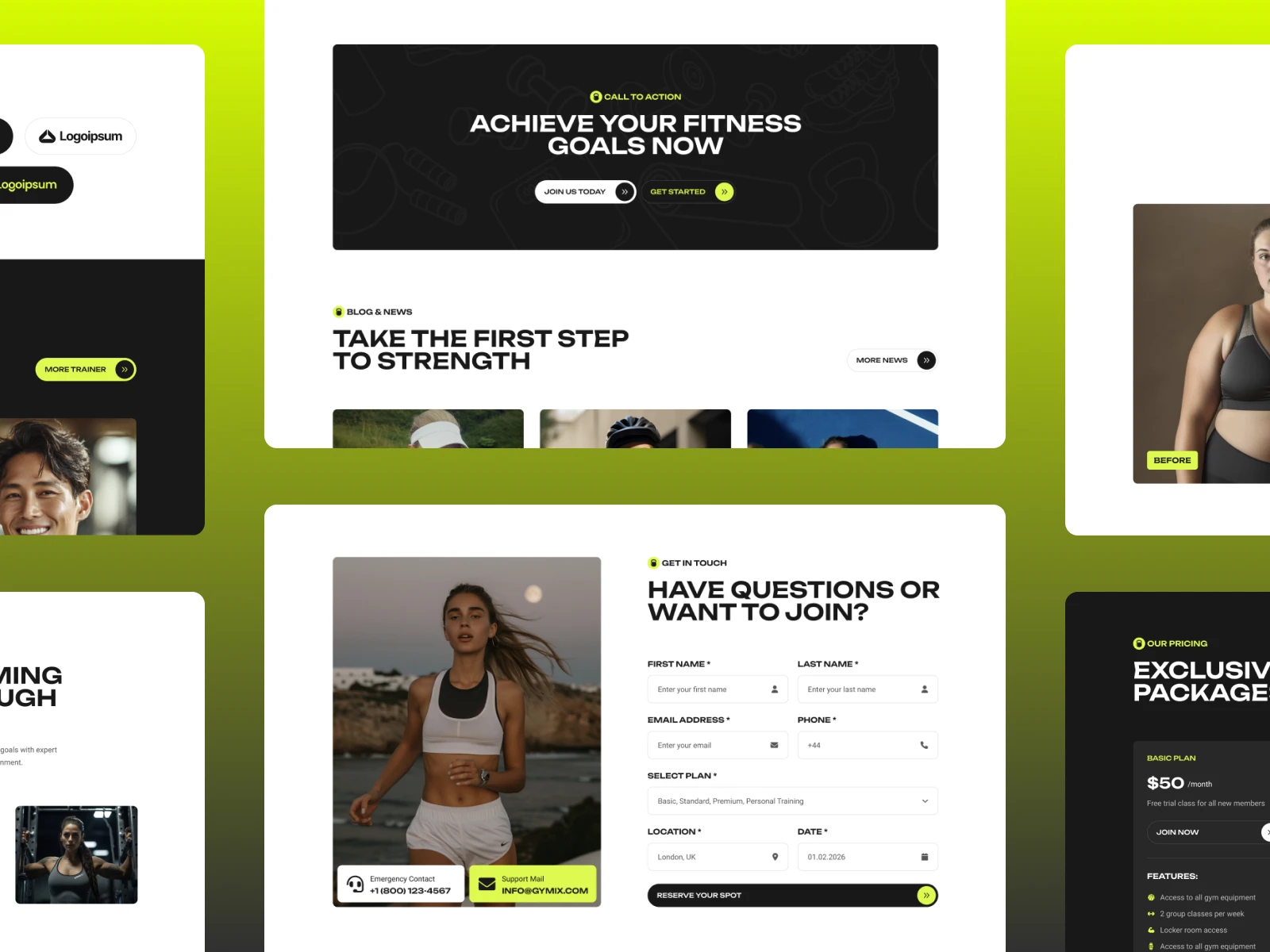
A good Framer template isn't the one that looks best in a 3-second scroll through a marketplace. It's the one built with clean components, a real CMS structure, tested responsiveness, and SEO fundamentals already in place — the kind of foundation that holds up whether you're customizing it by hand or handing sections off to an AI Agent.
That's the standard we build to at Template Munk. Every template is built component-first, CMS-ready, responsive-tested, and SEO-structured from the ground up — so you're not starting from a pretty screenshot, you're starting from a real foundation.
Browse Template Munk's Framer templates → https://munks.design/templates