
Framer SEO in 2026: How to Actually Rank a Framer Website
Framer SEO in 2026: How to Actually Rank a Framer Website
"Does Framer rank on Google?" comes up constantly. The short answer is yes — Framer sites rank fine, including in competitive niches. The longer answer is that Framer doesn't do SEO for you. It gives you the tools; you still have to use them correctly. Most Framer sites that struggle to rank aren't struggling because of the platform — they're struggling because of a handful of avoidable setup mistakes.
Here's the practical checklist, in the order we'd actually work through it on a new site.
1. Get the Technical Basics Right First
Before writing a word of content, confirm these are handled:
One H1 per page. It's tempting to make a big hero headline an H1 and then style a second element to look like a headline too. Only one H1 should exist per page — everything else is H2, H3, and so on, in order.
Custom domain connected properly, with HTTPS active (Framer handles this automatically once your domain is connected).
A real sitemap and robots.txt — Framer generates these automatically, but double-check they're not accidentally blocking pages you want indexed.
Meta titles and descriptions on every page, written for humans, not stuffed with keywords. Framer's page settings panel lets you set these per page — use it on every single page, including CMS templates.
Skipping any of this is the single most common reason a Framer site sits invisible on Google for months.
2. Structure Content the Way Google Actually Reads It
Search engines don't see your beautiful layout — they see structure. That means:
Headings should follow a logical hierarchy (H1 → H2 → H3), not jump around based on what looks good visually
Body text should be real, readable text — not text baked into an image
Buttons and links should have descriptive labels ("View pricing," not "Click here")
Alt text on every meaningful image, especially in blog posts and CMS-driven pages
This is also where template quality matters more than people expect. A template with proper heading structure baked in gives you a head start; one that's all styled divs and manually-sized text means you're fixing structural issues before you can even start on content.
3. Use the CMS for Anything That Should Scale
If you're publishing blog posts, case studies, or location pages, don't build them as one-off static pages. Use Framer's CMS so that:
Each entry gets its own clean, indexable URL
You can set unique meta titles/descriptions per entry
New content follows a consistent, crawlable structure automatically
This is the difference between a site that can grow to 50 well-structured blog posts and one where every new post is a manual rebuild.
4. Page Speed Still Matters — A Lot
Framer sites can be fast, but heavy, unoptimized animations and oversized images will drag them down. Before publishing:
Compress images (Framer supports modern formats, but oversized source files still slow things down)
Avoid stacking too many scroll-triggered animations on a single page
Test your live URL in Google PageSpeed Insights and fix anything flagged as high-impact
Core Web Vitals are a confirmed ranking factor, and it's an easy one to get wrong on visually heavy Framer builds.
5. Internal Linking Isn't Optional
Framer sites — especially template-based ones — often ship with almost no internal linking beyond the nav bar. That's a missed opportunity. Link:
From blog posts to relevant service or product pages
From service pages to related blog content
Between related CMS entries (e.g., related case studies or related blog posts)
Internal links help Google understand your site's structure and help visitors stay longer — both of which support rankings.
6. Content Still Has to Be Genuinely Useful
No amount of technical setup fixes thin content. Google's guidance has been consistent for years: write for the person searching, answer their actual question, and don't pad a page just to hit a word count. A focused, well-structured 800-word page will consistently outperform a padded, vague 2,000-word one.
7. Where AI Agents Fit In
Framer 3.0 shipped with AI Agents that can run SEO and accessibility audits directly inside the canvas. That's genuinely useful for catching issues fast — but treat it as a checklist tool, not a strategy. An Agent can tell you a page is missing an H1 or alt text. It can't tell you whether your content actually answers what someone is searching for. That part is still on you (or a writer who understands your audience).

The Template Connection
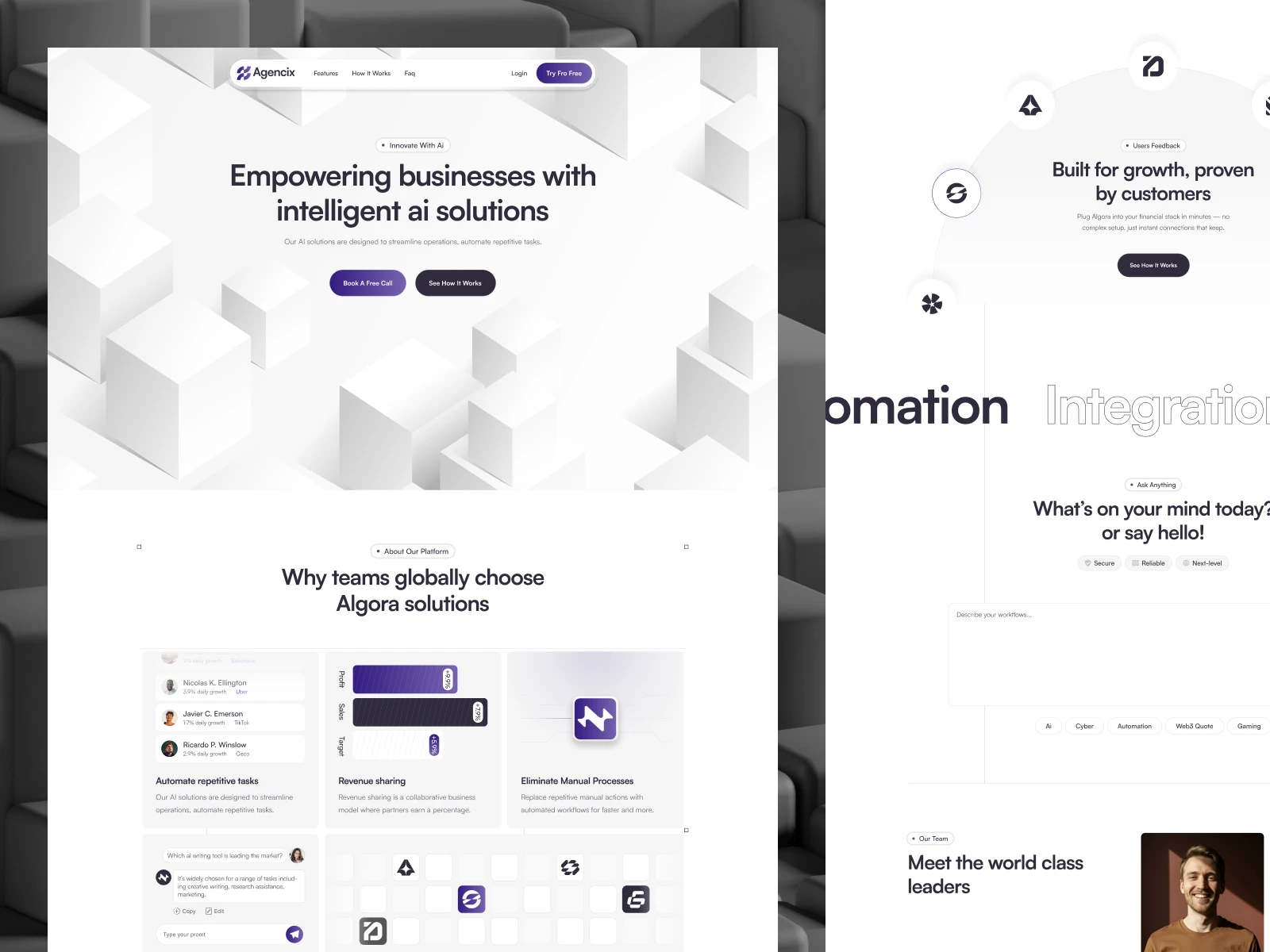
Here's the part most guides skip: your starting template affects your SEO ceiling before you've written a single word. A template with clean heading structure, proper semantic markup, and CMS collections built correctly means you're doing SEO on solid ground. A template that's visually nice but structurally messy means you're fighting your foundation the entire way — fixing heading hierarchy issues, cleaning up unlabeled images, and rebuilding CMS structure that should've been right from the start.
That's exactly what we prioritize at Template Munk — every template is built with real heading structure, editable meta fields, and clean CMS collections, so your SEO work starts from zero problems instead of a cleanup list.
Browse SEO-ready Framer templates → https://munks.design/templates
Want a second opinion on whether your current Framer site has SEO issues? Get in touch — happy to take a look.